Pilot for accountants and bookkeepers
Client invoices out of Gmail, into a spreadsheet you can check.
Each client connects their own Gmail, and you get a monthly spreadsheet and the files, never their inbox.
- Security assessment of our Gmail integration by an independent lab (CASA AL1, formerly Tier 2), completed November 2026.
- How we handle personal data is described in our Privacy Policy.
- Servers and databases in Germany
- No payment now
 Monthly pack (sample)Sample data
 Spreadsheet
 Originals
| Vendor | Date | Total | Currency | Source |
|---|---|---|---|---|
| Coffee Supply | Oct 3 | 940.00 USD | USD |  INV-1042.pdf |
| Dairy Direct | Oct 7 | 318.40 USD | USD | INV-7731.pdf |
| Power and Gas | Oct 12 | 212.30 USD | USD | bill-october.pdf |
| Packaging Co. | Oct 18 | 1,120.00 EUR | EUR | facture-0921.pdf |
| Waste Services | Oct 24 | Review 86.50 USD | USD |  receipt-1024.jpg |
Oct 2026: 42 invoices, 2 need review
An illustration with sample data. In the pilot, we prepare this pack with you.
Privacy
Your client's inbox stays private
You get the pack. You never get the mailbox.
How a pack reaches you

- Each client signs in to Dioveo with their own Google account, approves Gmail access and then Google Drive access on Google's own screens, and shares the pack folder with you. We guide them through it. No passwords change hands.
- For the pack, Dioveo picks out the files that match the rules agreed with your client, such as invoices from named suppliers, and we check the first results together.
- Only those files and the spreadsheet are shared with you, in a Drive folder.
- You never see, open or search your client's inbox. Dioveo lists its attachments in your client's own Dioveo account, which only your client can open.
- Your client can stop at any time: remove Dioveo's access in their Google or Microsoft account, or delete their Dioveo account on its Profile page after deleting its workflows and cancelling any subscription.
- Servers and databases in Germany. A data processing addendum is part of our terms. GDPR compliant. An independent lab completed a CASA AL1 security assessment (formerly called Tier 2) of our Gmail integration in November 2026.
See it for accountants and teams
Pressing play loads the video from YouTube (Google).
What you get
What you get each month for every client
Invoices found by your rules
The invoices and receipts in each client's mailbox that match the agreed rules, old and new.
One sheet per client
Invoices and receipts become one spreadsheet per client or per month.
How Gmail invoices become a Google SheetEvery row names its file
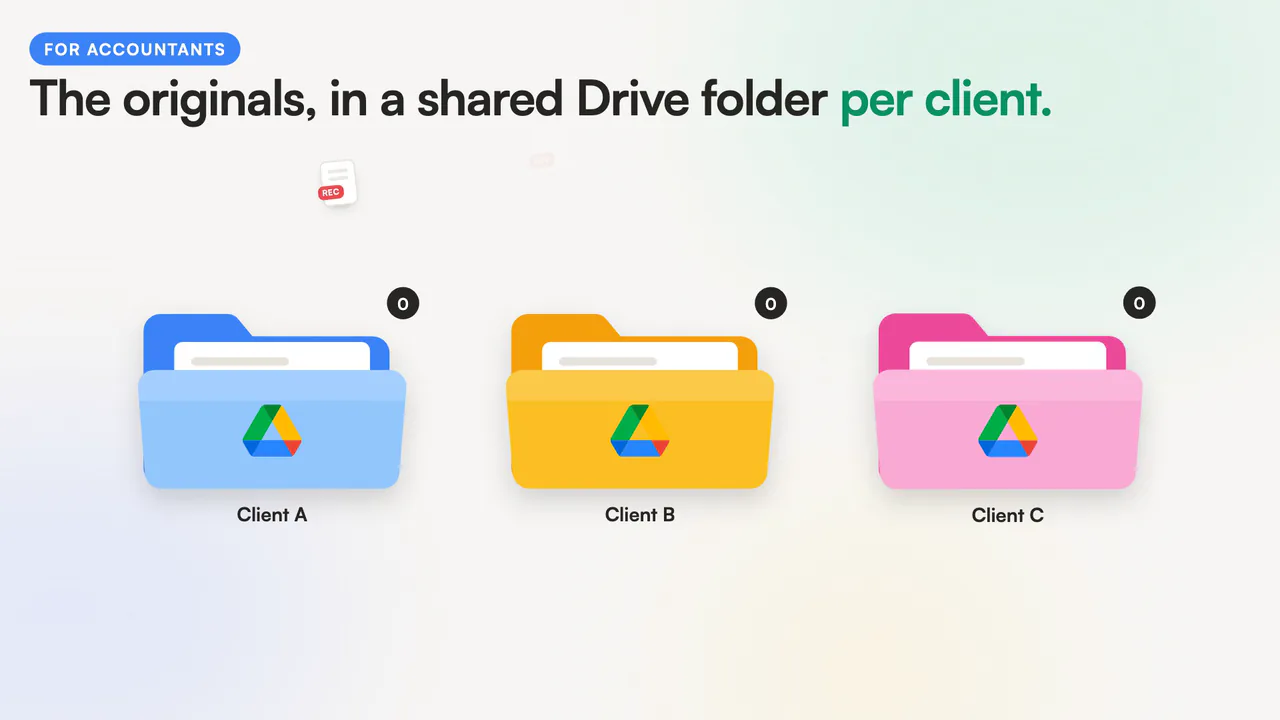
Each row names its source file, and the originals sit in a shared Drive folder per client.
Totals and exceptions
We add totals by currency and flag unreadable files, duplicates and missing values for you.
Originals in Drive
The original files land in a shared Drive folder for each client.
Current as mail arrives
New invoices are added, usually within 15 minutes of arriving, so the month fills in on its own.
 Claude
Ask Claude or ChatGPT
Optional: if you use Claude or ChatGPT, connect it to your own Dioveo account and ask about your mailbox in plain words.
Connect Claude or ChatGPT

Safe, and theirs to stop
Servers in Germany, Security assessment of our Gmail integration by an independent lab (CASA AL1, formerly Tier 2), completed November 2026., GDPR compliant. A client can remove access anytime.
A worked example, not a promise
By hand, each month
- Clients
- 12
- Documents per client
- 40
- Minutes per document
- 2
12 × 40 × 2 min16 hours
With the pilot
- Found
- Downloaded
- Filed
- Totals added for you
You check the sheet and the rows we mark for you
Time back
Time saved on monthly invoice collection, with an example
A bookkeeper with 12 clients and about 40 documents from each, every month.
Our assumption: about 16 hours a month by hand. With the pilot, what is left is a check of the sheet and the rows we mark for you.
A worked example, not a promise. How we count: 12 clients with 40 documents each is 480 documents a month. At 2 minutes each to find, download, rename and type the total by hand, that is 960 minutes, or 16 hours. Your numbers will differ.
What you can do
Month-end close and VAT or tax packs
Close the month for a client
The month's invoices and receipts in one spreadsheet, with the originals, ready to check.
 Q3 2026 pack
Hand over a VAT or tax pack
A quarter or a year of invoices in one spreadsheet, with the original files in a shared folder.
How the pilot works
From mailbox to monthly pack in three steps
Your clients connect
Each client signs in to Dioveo with Google and approves Gmail access, then Google Drive access, on Google's own screens. No passwords change hands.
We set up the table
We agree the rules and the columns with you and your client, and check the first results together.
You get a monthly pack
A spreadsheet and the original files, in a Drive folder shared with you.
FAQ
Questions accountants ask before joining
Do I get access to my client's email?
What does my client see and approve?
Can my client stop sharing?
What happens in the pilot?
What does it cost?
Which mailboxes work?
Does it work with Outlook?
Join the pilot
Join the pilot waiting list for accountants
Leave your email and we will reply.
The app has no client switcher yet. In the pilot, we set up the mailboxes, the shared folders, the totals and the checks with you, by hand.
File what clients email you into client foldersSeveral people share one mailbox? See the pilot for teamsClient on Microsoft 365? How an administrator approves Dioveo