Pilot for teams with a shared mailbox
One shared mailbox, filed into Library folders that sync to Google Drive, Dropbox or OneDrive.
One person connects jobs@ or invoices@, and a Library folder per job or supplier collects what arrives.
Team access in Dioveo, with roles, is in development. Pilot teams get it first.
- Security assessment of our Gmail integration by an independent lab (CASA AL1, formerly Tier 2), completed November 2026.
- How we handle personal data is described in our Privacy Policy.
- Servers and databases in Germany
- No payment now
Needs a mailbox with its own sign-in. Groups, aliases and Microsoft 365 shared mailboxes cannot be connected.
 Library (sample)Sample data
All attachments148
Folders
Hiring25
HiringJOB-1042 Backend engineer
12 documentsAuto-collects when subject has "JOB-1042"
| Name | Sender | Date | Size |
|---|---|---|---|
 CV-Maya-L.pdfNew | Maya L. | Nov 13 | 184 KB |
| Tomas-R-resume.pdfNew | Tomas R. | Nov 12 | 212 KB |
 cv-ines-k.docxNew | Ines K. | Nov 12 | 96 KB |
| Daniel-O-CV.pdf | Daniel O. | Nov 10 | 240 KB |
| resume-priya-s.pdf | Priya S. | Nov 9 | 158 KB |
Keep in sync is on for Google Drive
An illustration of Dioveo's Library with sample data. In the pilot, we set up the folders and their rules with you.
Before you start
Which kind of mailbox do you have?
Works
A mailbox with its own sign-in
A Gmail, Google Workspace or Outlook account that someone signs in to as itself, such as invoices@. One person connects it.
Cannot be connected
A group or a distribution list
A group or a distribution list has no sign-in of its own, and its members read its mail from their own accounts. What to do: give the address an account of its own.
Cannot be connected
An alias, a delegated or a shared mailbox
An alias delivers to one person, and a delegated or Microsoft 365 shared mailbox is opened from someone's own account. What to do: give the address an account of its own.


Privacy
Only the shared mailbox, nobody's personal email
One mailbox is connected. Your team opens the folders in your drive: Google Drive, Dropbox or OneDrive.
How files reach your team

- One person signs in to Dioveo as the shared mailbox and approves access on Google's or Microsoft's own screens. Dioveo never sees the password.
- Only that mailbox is connected. Nobody's personal email is involved.
- Library folders fill as mail arrives, and sync to your drive every 6 hours.
- Your team opens the copy in your drive, shared through that drive. There are no team logins in Dioveo today.
- You can stop at any time: remove Dioveo's access in the mailbox's Google or Microsoft account, or delete its Dioveo account on its Profile page after deleting its workflows and cancelling any subscription.
- Servers and databases in Germany. A data processing addendum is part of our terms. GDPR compliant. An independent lab completed a CASA AL1 security assessment (formerly called Tier 2) of our Gmail integration in November 2026.
See it for accountants and teams
Pressing play loads the video from YouTube (Google).
What you can do
Invoices, hiring CVs and client mailboxes, filed for your team
Every supplier invoice from invoices@, filed by supplier
One Library folder per supplier fills itself and syncs to your drive for your finance team.
- A folder per supplier, filled by sender
- Vendor, date and total in a sheet you can check
- Each row names its source file
Every CV sent to jobs@, in a folder for its job
A Library folder per job reference collects CVs as they arrive, and syncs to your drive every 6 hours.
- A folder per job, filled by the reference in the subject
- Each hiring manager opens only their job's Drive folder
- You decide how long CVs are kept

Client invoices out of Gmail, into a spreadsheet you can check
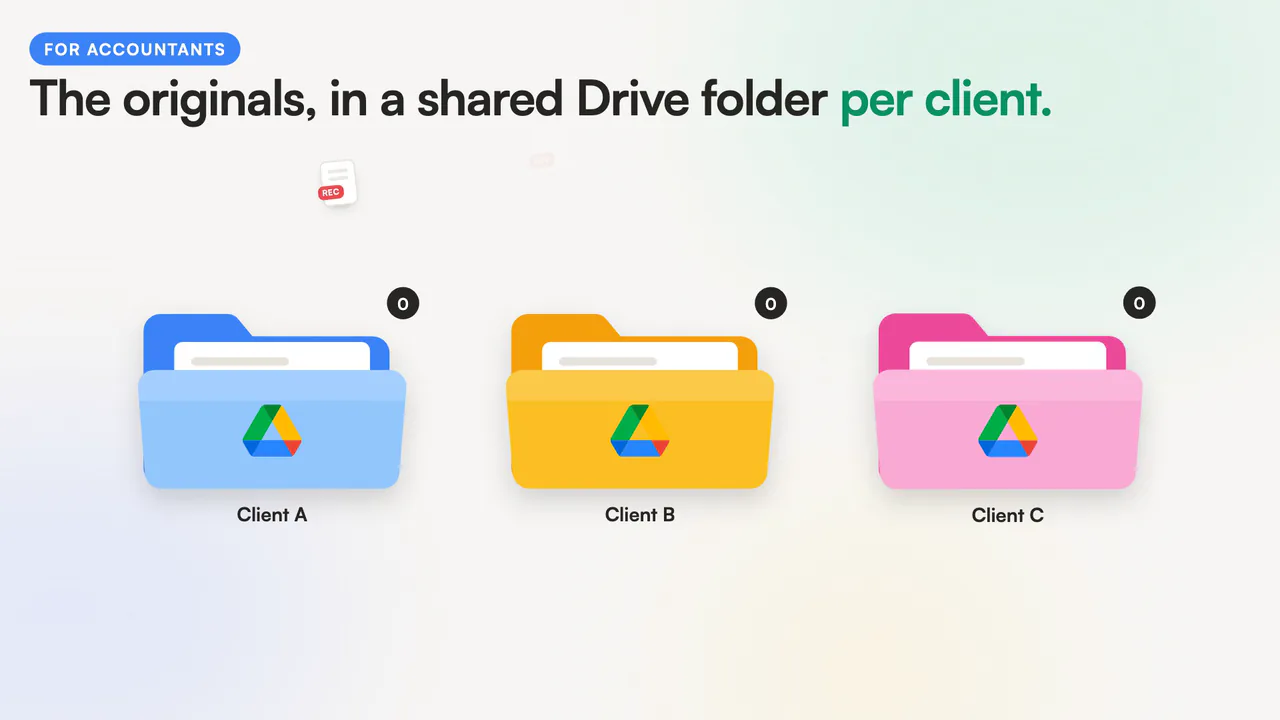
Each client connects their own Gmail, and you get a monthly sheet and the files, never the inbox.
- A monthly spreadsheet per client
- Each row names its source file
- You never see the client's mailbox
More use cases
More mailboxes it takes care of
Vendor certificates and tax forms from email, filed per vendor
Insurance certificates and W-9s land in a Library folder per vendor, synced to your drive.
Join the waiting list for thisLeases, vendor invoices and notices, filed per property
One office mailbox, a Library folder per building, synced to the Drive your team already uses.
Join the waiting list for thisSigned contracts from your inbox, in one register
Signed PDFs land in a folder per type, with parties and renewal dates in a sheet to review.
A contract register with renewal datesJoin the waiting list for thisDelivery notes and certificates, filed per job site
Ask suppliers to put the job number in the subject, and each site folder fills itself.
Join the waiting list for thisShipping documents from ops@, filed per shipment
CMRs, bills of lading and customs papers collect by shipment reference and sync to your drive.
Join the waiting list for thisQuotes and purchase orders from email, filed and listed
A folder per supplier or customer, and a sheet of PO numbers, dates and totals to check.
Join the waiting list for thisClient files from email, in one folder per client
Briefs, logos and approvals sent by email collect per client and sync to your shared Drive.
Join the waiting list for thisGrant paperwork from email, ready for the next report
Award letters, receipts and reports collect in a folder per grant, synced to your drive.
Join the waiting list for thisClient documents from your agency inbox, filed per client
Policies and forms collect by sender into a folder per client, synced to your drive.
Join the waiting list for this
How it works today
From shared mailbox to synced folders in three steps
Connect jobs@
One person signs in to Dioveo as the shared mailbox and approves access on Google's or Microsoft's own screen. Dioveo never sees the password.
A Library folder per job
Each folder gets an Auto-collect rule, such as subject contains JOB-1042. In the pilot, we set them up with you.
Sync to your drive
The Library copies the folders to a folder in your drive that you share with your team. New files reach it within about 6 hours of arriving.
In development
Coming for teams
Today your team opens the folders in your drive. Next, they open Dioveo itself.
- Members open Dioveo
- You invite the people on your team. Each one signs in with their own Google account and opens the shared mailbox's Library, to search and download. Their own email is never connected.
- Roles
- Owner, admin, member and viewer. You decide who can look, who can edit folders and rules, and who can change anything in the mailbox.
- Workflows
- Members prepare workflows on the shared mailbox. An admin reviews each one and switches it on.
Not in the app yet, and we do not promise a date. Pilot teams try it first and tell us what is missing.
Planned roles: In development
- OwnerCan: Everything, including billing and membersCannot: Be invited: the owner signs in as the mailbox
- AdminCan: Switch workflows on and run the Drive syncCannot: Connect a drive or manage billing
- MemberCan: Search, download, edit folders and rulesCannot: Switch a workflow on or change Gmail
- ViewerCan: Search, preview and download single filesCannot: Bulk download or edit anything
- GuestCan: See and download the folders chosen for themCannot: See the rest of the mailbox
Privacy
Privacy by use case
CVs
- Who sees what
- The person who connected jobs@ sees every CV in Dioveo. Each hiring manager opens only the Drive folder of their own job, which you share with them.
- How long to keep it
- You decide, and you tell candidates. Dioveo only adds CVs to Drive: deleting them, there and in the mailbox, is yours to do.
- What the pilot will not set up
- Anything that scores, ranks, shortlists or rejects candidates, or a table of age, photo or nationality.
Client mailboxes
- Who sees what
- The client sees their own mailbox, in their own Dioveo account. The accountant sees only the spreadsheet and the files in the shared Drive folder.
- How long to keep it
- You and your client decide. Dioveo does not delete what it copied to Drive.
- What the pilot will not set up
- Access for the accountant to the client's mailbox, or a client's mailbox connected on the client's behalf.
Tenant documents
- Who sees what
- The person who connected the office mailbox sees everything in Dioveo. Others see only the Drive folders you share, building by building.
- How long to keep it
- You decide. Keep tenant applications out of the folders you share, and delete them when you no longer need them.
- What the pilot will not set up
- A place to collect identity documents, or a table of ID numbers or bank details.
Tax forms
- Who sees what
- The person who connected the mailbox. Keep tax forms in a folder of their own, out of any widely shared Drive folder.
- How long to keep it
- You decide. Dioveo does not delete what it copied to Drive.
- What the pilot will not set up
- A table of tax numbers, or anything that says a vendor is insured or compliant.
Limits
What we do not do
Medical documents. The pilot does not take on medical records or referrals. Do not connect a mailbox that receives them.
Identity document collection. The pilot does not set up the collection of passports, ID cards or driving licences.
Candidate scoring. The pilot files CVs into folders. It sets up nothing that scores, ranks, shortlists or rejects anyone.
Join the pilot
Join the pilot waiting list for teams
Leave your email and we will reply.
The Library and its sync to your drive are in the app today. Team logins are not: they are in development, and pilot teams get them first. In the pilot, we set up the mailbox, the folders, their rules and the sync with you.
FAQ
Questions teams ask before joining
Does anyone's personal email get connected?
Who can see the files?
Can it file CVs by job?
How long are CVs kept?
Which mailboxes work?
Does it work with Outlook?
What does it cost?
How do we stop?
Accountant with clients' mailboxes? See the pilot for accountantsOn Microsoft 365? How an administrator approves Dioveo